
04 Dec, 2025
Google Launches Workspace Studio: Build Automated Gemini AI Agents Without Coding
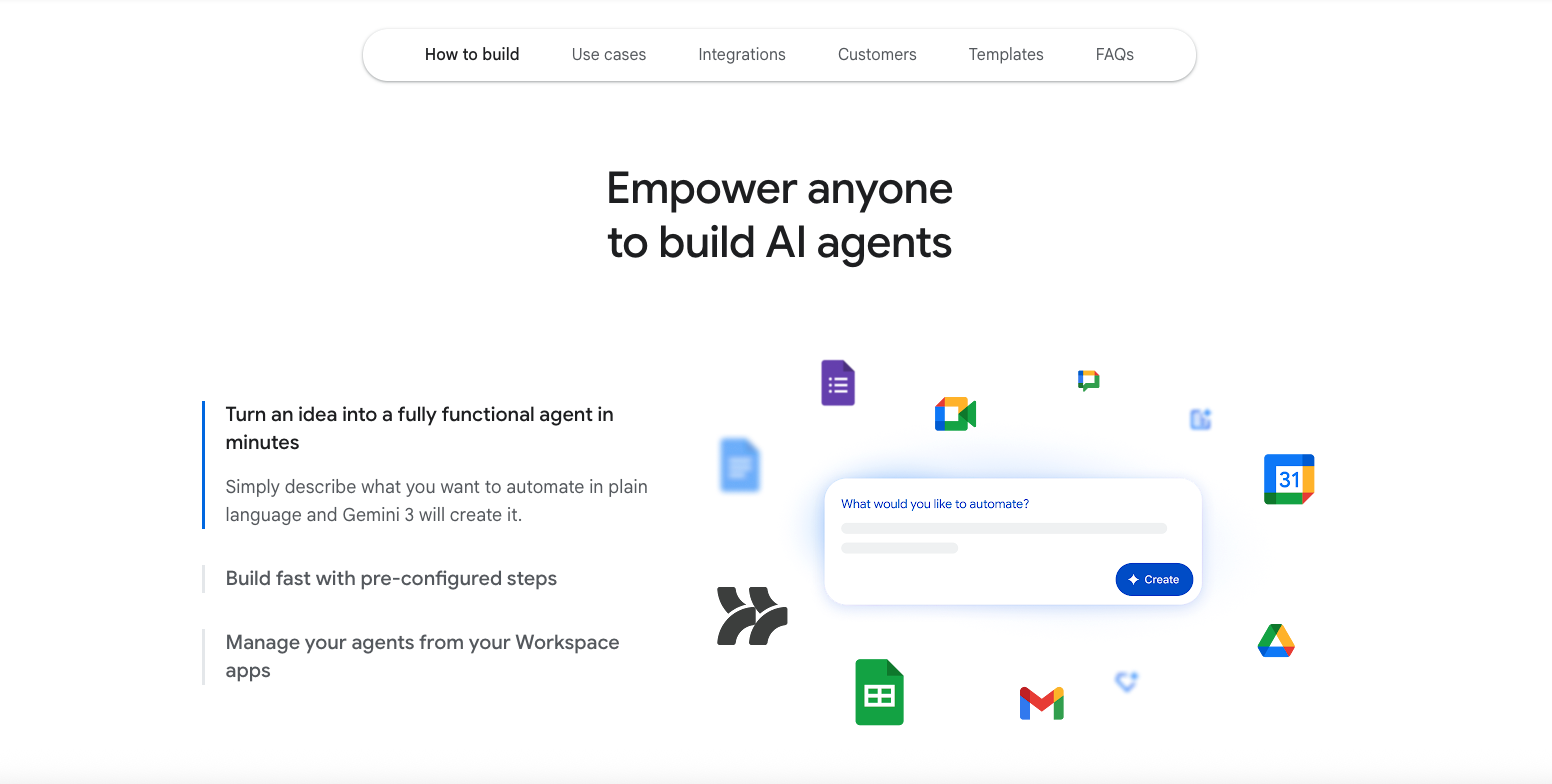
Google has officially launched Workspace Studio, a new tool that helps users create automated AI agents powered by Gemini 3. This tool was first teased at Google I/O 2024 and announced earlier this year. Now, it is available for everyone.
What Is Workspace Studio?
Workspace Studio (previously called Workspace Flows) works like an “if this, then that” automation system. It connects directly with Google apps such as Gmail, Chat, Drive, Docs, and more. It can also integrate with third-party tools like Asana, Jira, Mailchimp, and Salesforce.
The best part?
No coding is required. Anyone can build automation flows in just a few minutes.
How Workspace Studio Helps
You can use Workspace Studio to automate daily tasks and complex workflows. There’s a new shortcut button (double-arrow icon) at the top-right corner of Google Workspace apps, right next to Gemini. It gives quick access to:
-
Discover
-
My agents
-
Activity
You can also open Workspace Studio directly at: studio.workspace.google.com
What Makes These Agents Powerful?
These agents don’t just follow strict rules. Thanks to Gemini 3, they can:
-
Understand context
-
Reason intelligently
-
Adapt to new information
-
Analyze sentiment
-
Generate content
-
Prioritize tasks
-
Send smart notifications
You can instruct them using plain language.
Example Prompt:
“If an email contains a question for me, label it as ‘To respond’ and notify me in Chat.”
Workspace Studio instantly creates this agent. Gemini can even extract details like action items or invoice numbers from emails and attachments.
You can also share agents with your team—just like sharing a Google Drive file.
How Agents Work
Each agent has three main parts:
-
Starters (Triggers)
-
Example: At a specific time, or when a new email arrives
-
You can filter triggers, such as emails from certain people
-
-
Steps (Actions)
-
Example: Draft a reply, add text to a document, extract information
-
-
Variables (Dynamic Data)
-
Example: The sender’s email, Gemini’s generated response, form inputs
-
Variables can be reused across the workflow
-
Who Can Use Workspace Studio?
Google aims to make custom AI automation accessible to every employee, without needing programming skills.
After alpha testing during Cloud Next 2025, Workspace Studio is now rolling out for:
-
Business Starter, Standard, Plus
-
Enterprise Starter, Standard, Plus
-
Education Fundamentals, Standard, Plus
-
Google AI Pro for Education
-
Google AI Ultra for Business
It will become available to users over the next few weeks.